Your boarding pass is your ticket onto the plane — yet the codes printed on it are often confusing. Where exactly is the gate? What does "Zone 2" mean, or those four letters "SSSS"? This guide walks through every field on a boarding pass so you can avoid confusion and missed flights at the airport.
🧾 The main fields on a boarding pass
A paper pass and a digital one (in an app or Apple/Google Wallet) carry the same information. Here's what you'll usually see:
- Passenger name — exactly as it appears in your passport
- Flight number (e.g. W6 2345) — airline code + number
- Route — from/to in IATA codes (e.g. KUT → HAM)
- Date and departure time
- Boarding time — earlier than departure, usually 30-45 min
- Gate and Seat
- Boarding group / Zone
- PNR / Booking reference — a 6-character code
- Barcode or QR — scanned at the gate
🔑 PNR — the key to your booking
The PNR (Passenger Name Record), also called the booking reference, is a 6-character code (e.g. X7K2QP) that ties your whole reservation together. It's exactly what you need for online check-in, checking flight status or making a change.
The PNR differs from the ticket number: the ticket number is 13 digits and refers to the airline's financial record, while the PNR is the quick identifier for your booking. Complete your online check-in before the flight and download the pass in advance.
Never share your PNR on social media — with the code visible on a boarding-pass photo, someone can view and even change your booking.
🚪 Gate, boarding time and zone
Departure time is when the plane pushes back; boarding time is when gate boarding begins. Don't confuse the two: boarding usually starts 30-45 minutes before departure, and the gate closes 15-20 minutes before.
The boarding zone (Zone 1, 2, 3…) or group determines when you board — see the boarding process guide for details. The walk to the gate can take 20-30 minutes in a big airport — see airport navigation.
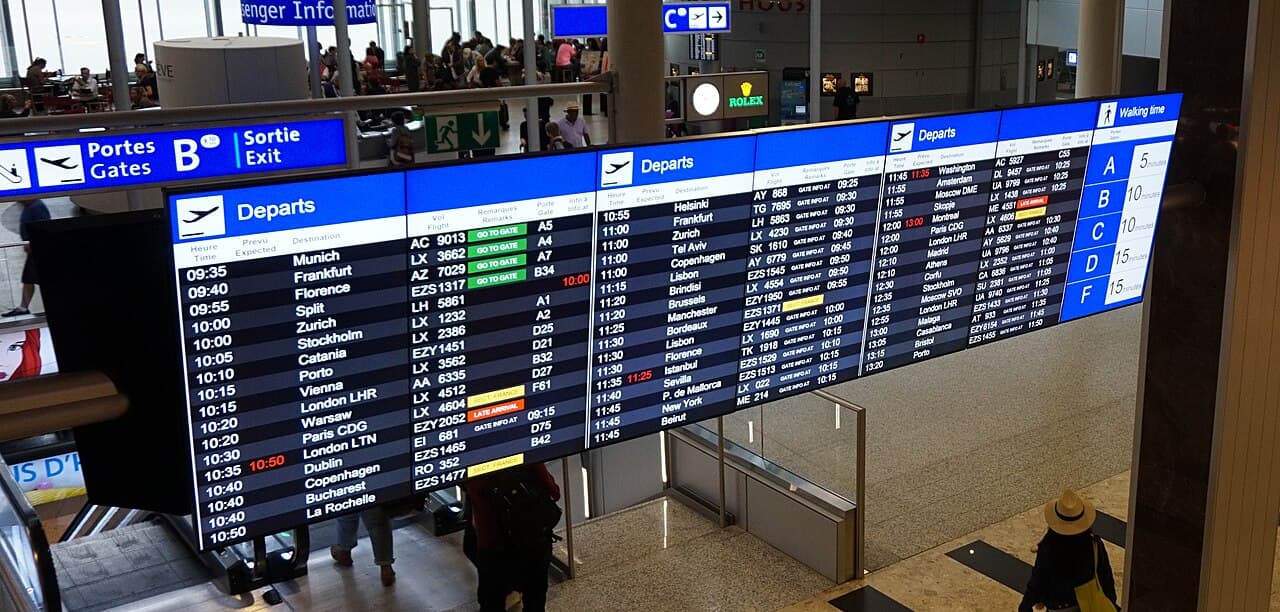
Gates often change at the last minute. Don't rely only on the number printed on your ticket — always check the Flight Information Display.
🔠 SSSS, barcode and status codes
"SSSS" (Secondary Security Screening Selection) on a boarding pass means extra security screening awaits you — it's assigned randomly and is not a sign of suspicion, just arrive a bit earlier. "TSA PreCheck" or "Priority", on the other hand, means expedited screening.
The barcode/QR is read at the gate to confirm your seat. If your screen is dim or the barcode won't scan, the gate may ask for a printed version — which is why a paper backup is worth carrying. Review the security screening tips to get through fast.
📱 Digital vs paper — which should I use
- Digital (app/Wallet): always with you, shows gate changes in real time
- Paper: a backup if your phone dies or the screen has issues
- Some low-cost carriers (Ryanair, Wizz Air) charge to print at the airport — check in ahead of time
- On international flights carry your passport — the boarding pass alone is not enough
Once you learn to read a boarding pass, the airport becomes far less stressful. Search flights and compare prices on the Travel365 flight search and price calendar.
Tags