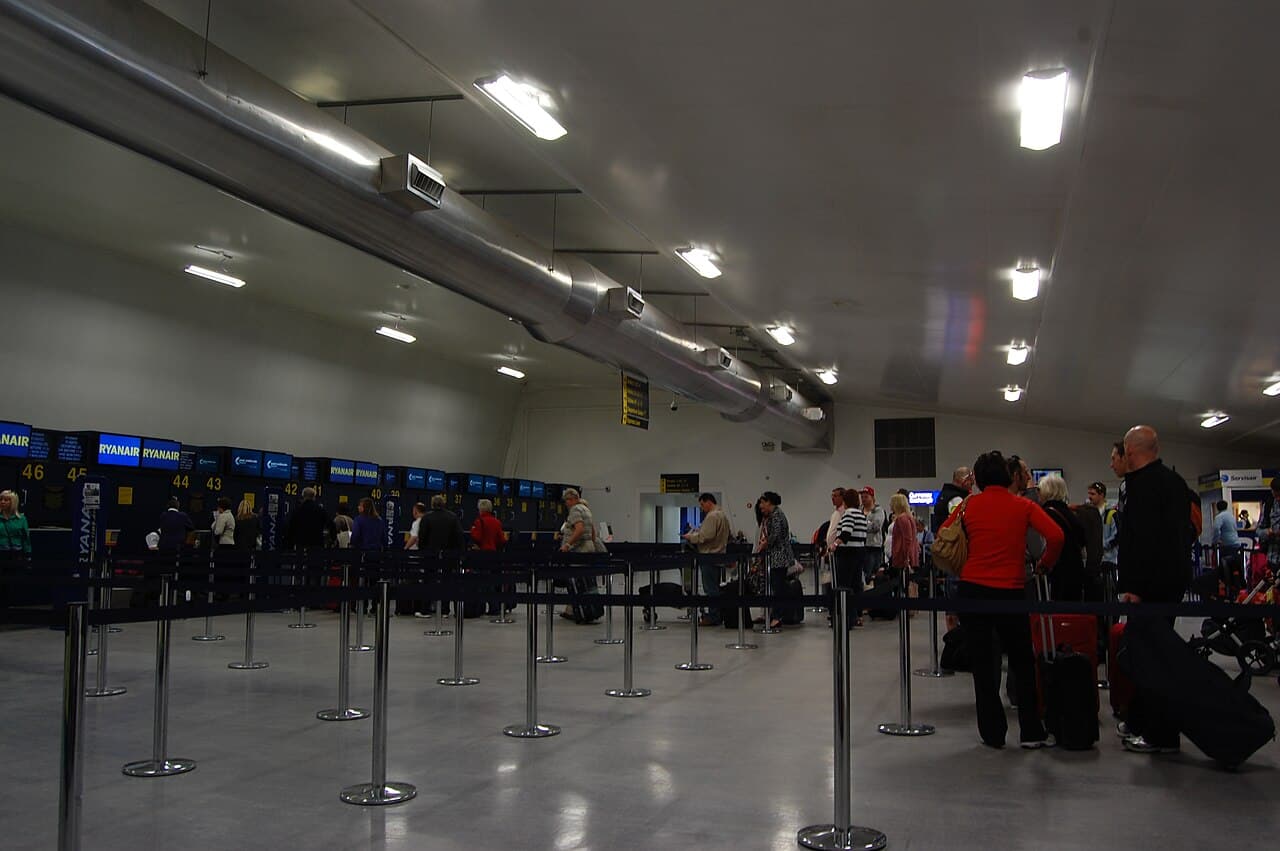
Airport Wi-Fi is the free internet available in nearly every modern airport today — for texting before your flight, checking in online or downloading a film. But connecting can be confusing, the speed is often low, and on an open network security isn't always guaranteed. This guide shows you how to connect to airport Wi-Fi fast, protect your data, and what to fall back on when there's no internet in sight.
📶 How to connect, step by step
- Find the right network: pick the official name (e.g. "TBS Free WiFi") — don't join unknown, look-alike names
- Open a browser: if the sign-in page doesn't pop up automatically, type any address (e.g. example.com)
- Register: some airports ask for an email, a phone number or your boarding-pass code
- Accept the terms and tap "Connect"
- If it won't connect: toggle Wi-Fi off and on, or "forget the network" and reselect it
⏱️ Free vs paid — the time limit
Most airports offer Wi-Fi free to passengers, but often with a time limit — say 30 minutes or 1 hour free, then paid. Large airports in Europe and the Middle East (Istanbul, Dubai) usually give unlimited free internet, and Wi-Fi is free at Tbilisi and Kutaisi airports too.
If you hit the time limit, signing back in with another browser is often enough. Before buying a paid pass, check whether your airline or card offers free access — some lounges include fast Wi-Fi too.
🔒 Security: the risks of public Wi-Fi
Open, public Wi-Fi is convenient but also risky — someone else on the same network can in theory see part of your traffic. So on airport Wi-Fi, avoid logging into your banking app, entering passwords or paying online unless you use extra protection.
The best protection is a VPN: it encrypts your connection and keeps you safe even on a public network. Turn the VPN on before connecting to airport Wi-Fi. Useful apps, VPNs included, are gathered in the essential travel apps guide.
Never enter banking or card details on open airport Wi-Fi without a VPN. If you must pay, use mobile internet (eSIM) or wait for a secure network.
📱 eSIM — a reliable alternative
If you need reliable internet the moment you land, an eSIM is the most convenient alternative — it doesn't depend on airport Wi-Fi and works as soon as you arrive. You buy a QR code in advance, activate it, and you're online immediately, with no local SIM card to buy.
See the international eSIM guide for details, and the international roaming guide to avoid roaming charges. An eSIM is especially handy on a long layover when the airport internet is unstable.
🌍 Specific airports: TBS, IST, DXB
- Tbilisi (TBS): free Wi-Fi throughout the terminal — see the Tbilisi airport guide
- Istanbul (IST): free limited access via a passport or boarding-pass scan; full access is paid
- Dubai (DXB): fast free Wi-Fi across the whole airport, no time limit
- European airports: often 1-4 hours free, then paid — a VPN matters especially here
✅ Practical tips
- Turn on your VPN before connecting to Wi-Fi
- Download your boarding pass and maps in advance, while you're still home — see the online check-in guide
- Save important files for offline use before your connection
- Keep an eSIM as a backup in case Wi-Fi fails
- Search flights and compare prices on the Travel365 price calendar
The bottom line: airport Wi-Fi is handy for messaging and check-in, but for important payments an eSIM or VPN is the better call — you'll stay protected and save time.
Tags